



;)


Friday
Jan222010
WLC How to enable webmode (HTTP) or secureweb (HTTPS)
 Friday, January 22, 2010 at 11:24PM


Enabling / Disabling HTTP or HTTPS on a Cisco WLC is simple. Keep in mind, if you enable/disable HTTPS you need to do a WLC reboot (ouch for you change control folks!).
Enable HTTP
(Cisco-2006) >config network webmode enable 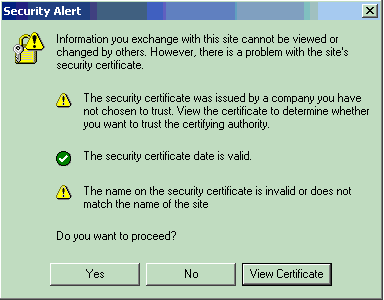
DISABLE HTTP
(Cisco-2006) >config network webmode disable
ENABLE HTTPS
(Cisco-2006) >config network secureweb enable
You must reboot for the change to take effect.
DISABLE HTTPS
(Cisco-2006) >config network secureweb disable
You must reboot for the change to take effect.
SHOW WEB MODE STATUS
(Cisco-2006) >show network summary
RF-Network Name............................. test
Web Mode.................................... Enable
Secure Web Mode............................. Enable
Secure Web Mode Cipher-Option High.......... Disable
Secure Web Mode Cipher-Option SSLv2......... Enable
Secure Shell (ssh).......................... Enable
Telnet...................................... Enable
Ethernet Multicast Mode..................... Disable Mode: Mcast 0.0.0.0
Ethernet Broadcast Mode..................... Disable
IGMP snooping............................... Disabled
IGMP timeout................................ 60 seconds
User Idle Timeout........................... 300 seconds
ARP Idle Timeout............................ 300 seconds
ARP Unicast Mode............................ Disabled
Cisco AP Default Master..................... Disable
Mgmt Via Wireless Interface................. Enable
WLC How to enable webmode (HTTP) or secureweb (HTTPS)
Reader Comments